
How to Track a NADRA Application Through PakID
By PakKhabar Editorial Team · Published 21 October 2026 · Updated 22 October 2026 · Last verified 22 October 2026

Key Facts
| Program | NADRA PakID |
|---|---|
| Jurisdiction | Pakistan (Federal) |
Every NADRA application, whether you filed it at a centre counter or through PakID, carries one tracking ID. That single number is all you need to follow the application from submission to delivery, and checking is free. There are two ways to do it: a text message that works on any phone, and your PakID account, which shows more detail. This guide explains both, translates each status into plain words, and covers what to do when the trail goes quiet.
Where your tracking ID comes from
If you applied at a NADRA centre, the tracking ID is printed on the token or receipt the counter handed you. Guard that slip of paper. It is also your collection receipt later.
If you applied through PakID, the reference is shown when the application is submitted and stays attached to the application inside your account. Take a screenshot of it before you close the app or the page. A tracking ID looks unimpressive and is easy to lose, and every check in this guide depends on it.
Track by SMS to 8400
This is the fastest check and it needs no internet, no account and no smartphone.
Write a new text message containing only your tracking or application ID, exactly as printed, and send it to 8400. NADRA replies with the current status of that application. The reply is short: the application reference and where it stands right now.
Because the service answers from the same database the centres use, the SMS status is as reliable as asking at a counter, and it saves the trip. If you applied very recently and the reply says no record found, wait a day and try again; a fresh application’s record does not always appear the same hour the token was issued.
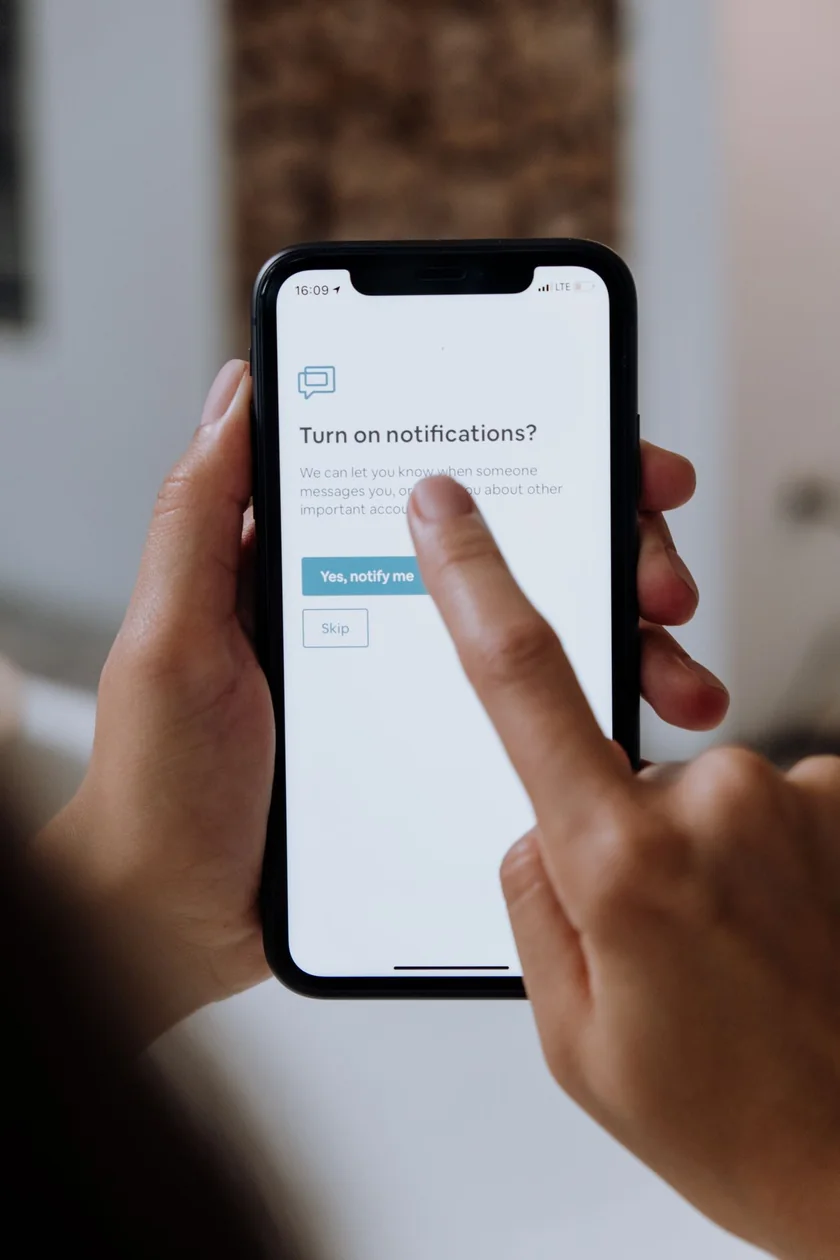
Track inside your PakID account
Your PakID account shows more than the SMS reply: the full application, its stage, and delivery information when it exists.
Log in on the website at id.nadra.gov.pk/e-id/ with the email and password of your account. One point trips up many people: the account itself is created inside the PAK-ID mobile app, because NADRA has discontinued registration on the website. If you do not have an account yet, follow our guide on how to create a PakID account first, then log in on the web.
After login, open your applications from the dashboard. PakID accounts show sections for your applications and for tracking them. Open the application you care about and read its current stage and any instruction attached to it. If the account asks you to fix something, for example to upload a clearer document, that instruction appears here, and it is the only instruction you should act on.
What each status means
Submitted: your application and fee are recorded. The file is in the queue.
In process: NADRA is verifying the application against its records. Most applications spend most of their waiting time in this stage, and a long stay here is normal, especially when a detail needs a second look.
Printed: the card has been produced. From here it moves to delivery, either by courier to your address or to the centre, depending on what you chose when applying.
Dispatched: the card has left for delivery or for the centre named in your application. If it is coming to a centre, wait for the stage to change or a message before travelling.
Ready for collection or delivered: the card is at the centre counter or has been handed over. When collecting, carry your original token or receipt and your old CNIC if you have one. The centre staff match the receipt to the card, so a photograph of the token is not always accepted.
Two checks people confuse with tracking
An SMS to 8300 verifies a CNIC record: send a CNIC number and the reply confirms the record’s basic details. That is useful when an application stalls over a record question, but it does not track an application.
An SMS to 668, a PTA service, replies with the number of SIMs registered against your CNIC. People use it when an application or account step complains that a mobile number does not match their record. Neither of these replaces the 8400 tracking check; they answer different questions.
If delivery is delayed
Cards are printed and dispatched in batches, and delivery outside the big cities takes longer. A card that shows “dispatched” is usually moving even when no new status appears for several days.
If the stage has not changed for a long stretch, check by SMS to 8400 again so you are working from the freshest status, then visit the centre named in the application with your token and CNIC. Cards that a courier could not deliver are normally held at the centre rather than returned immediately, and counter staff can see internal notes that the public status never shows.
Before you pay for any re-issue or fresh application, confirm what the official charge should be with our NADRA fee calculator. Overcharging at the edges of this process is common, and knowing the correct fee beforehand settles most arguments.
Collecting the card at the centre
When the status shows the card has reached your centre, go in person and carry two things: the original token or receipt from your application, and your existing CNIC if you have one. The counter staff match the token against the card before anything else happens, which is why a lost token turns a two-minute collection into a longer verification.
Expect a fingerprint check at the counter. This is a normal part of handing over an identity document, and it confirms the card is going to the person it belongs to. If your thumb impression does not match on the first try, stay calm and let the staff work through their own process; it happens often and they deal with it every day.
Before you leave the counter, read the card. Check that your name, father’s or husband’s name, date of birth and address are printed correctly, and that the photograph is yours. A printing mistake reported at the same counter, on the same day, is far easier to correct than one discovered weeks later at a bank or an airport. Keep the envelope or receipt the card came with until you have used the card once successfully; if anything is wrong, that paperwork is what the centre will ask for.
Problems and fixes
Tracking ID not accepted: type it again slowly, with no spaces added or removed, exactly as printed. Faded tokens are easy to misread; a worn 3 and a worn 8 cause many false alarms. If the ID is correct and still rejected after a day or two, the centre that issued it can trace the application from your CNIC.
Status stuck at in process: this usually means verification raised a question, commonly a document that needs re-uploading or a record that does not match. Check your PakID account for an instruction, and if none is shown, ask at the centre rather than submitting a second application. A duplicate application slows everything down.
Biometric trouble at collection: if your fingerprints fail to match at the counter, do not panic and do not pay anyone. The centre has its own re-verification process, and worn fingerprints, common in older applicants and manual workers, are handled there. Our guide to fixing online application errors covers biometric and other failures in more detail, and the wider guide to checking any government application status explains how NADRA’s system differs from scheme portals like 8171.
Keep your tracking ID private
A tracking ID on its own is a reference number, but together with a CNIC copy it gives a stranger material to misuse. Never post both in a Facebook comment, a WhatsApp group or a shop’s “tracking help” page. Nobody outside NADRA can release, speed up or unblock your card for a fee, and anyone offering that is selling you your own free status check. Official tracking costs nothing beyond the price of one SMS.
Step-by-Step Instructions
1 Sign in to your PakID account
Open the official PakID service and sign in with the same account used for the application.
Expected result: Your account dashboard opens.
2 Open your applications list
Open the section listing your submitted applications. Each application shows its own tracking reference.
Expected result: You can see the application you want to follow.
3 Read the current stage
Open the application to see its stage, such as submitted, in process, printed or dispatched, exactly as labeled in the service.
Expected result: You know the current stage and any action the service asks from you.
4 Act on delivery information
When the service shows dispatch or delivery details, follow them. If a card is delivered to a NADRA centre, carry your original token/receipt when collecting.
Expected result: You know where and how your document will reach you.
Popular Questions
I applied at a NADRA centre, not online. Can I still track?
Yes. Send the tracking ID printed on your token in an SMS to 8400, or ask at the same centre. Centre applications are tracked with the same reference.
I have lost my tracking ID. What can I do?
Check the SMS messages and the receipt or token from your application first. If it is genuinely lost, visit the NADRA centre where you applied with your CNIC; staff can trace the application from your record.
How long does delivery take after printing?
It depends on the service speed you chose when applying and on your city. The SMS and account status show the current stage, so follow the stage rather than counting days.
Can I track my father's card with his tracking ID?
You can run the free SMS check with his ID if he asks you to. Collection is stricter: the centre follows its own rules about who may receive the card, so let the applicant collect it where possible.
The status says dispatched, but nothing has arrived. What now?
Re-check by SMS to 8400 first, then ask at the centre named in the application. Cards that cannot be delivered are usually held at the centre for collection.
Official Sources
- NADRA official website (National Database & Registration Authority (NADRA))
Source evidence is checked again before every update. If any detail here differs from the official portal, the official portal is correct, please tell us so we can issue a correction under our Corrections Policy.
Update History
- 22 October 2026: Expanded with verified tracking methods and fuller troubleshooting guidance.
Keep Reading
How to Create a PakID Account (NADRA): App Registration & Web Login
Create a NADRA PakID account the current way: registration happens in the official PAK-ID mobile app. Verified steps, genuine screenshots and web login help.
More in Pakistani Apps & Online Services · Free tools · All schemes A–Z